
The Premier Aviator Game Provider and Authorized Spribe API Aggregator!
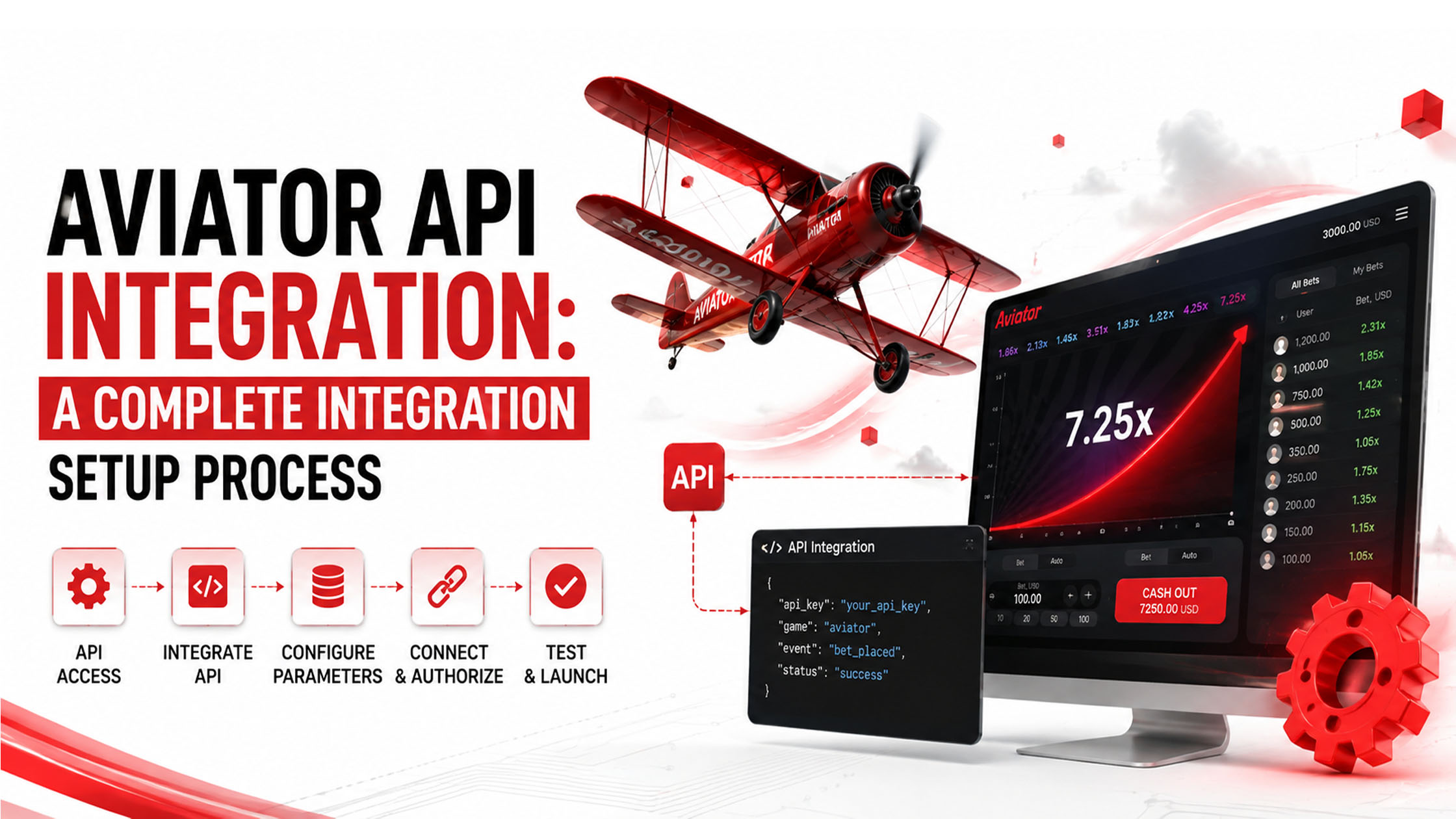
Integrating an Aviator-style crash game into an online gaming platform requires more than simply connecting an API. A proper Aviator API Integration process involves selecting the right API provider, preparing the gaming platform, configuring authentication, connecting game data, testing the integration, and ensuring the system is ready for live users.
For operators and developers planning an Aviator API Integration, understanding each stage beforehand can make the implementation smoother and help avoid common technical issues.
Aviator API Integration is the process of connecting an Aviator game API with an existing online gaming, betting, or casino platform. The API acts as a communication layer between the game provider and the operator's platform.
Through Aviator API Integration, the platform can communicate with the game server to handle functions such as:
The exact features available depend on the API provider and the integration package being used.
A successful Aviator API Integration should follow a structured process rather than connecting the API directly to the production website.
The first step is selecting an API provider that can support your platform's technical and business requirements.
Before starting Aviator API Integration, check factors such as:
A provider with clear documentation and proper technical support can significantly simplify the Aviator API Integration process.
After selecting a provider, the developer normally receives the credentials required to communicate with the API.
Depending on the provider, these may include:
These credentials should be stored securely on the server and should not be exposed in frontend code.
Before writing integration code, developers should carefully review the API documentation.
This is one of the most important stages of Aviator API Integration because the documentation explains how requests and responses should be handled.
Developers should identify:
Having this information ready prevents unnecessary development delays.
The existing platform should be prepared before implementing the API.
The development team may need to configure:
The API should ideally be connected to the backend rather than directly exposing sensitive API credentials through the browser.
Authentication allows the gaming platform and API server to verify each other.
During Aviator API Integration, developers configure the required authentication method according to the provider's documentation.
For example, an API request may require a token in an authorization header. The exact authentication structure varies between providers, so developers should follow the provider's official documentation instead of assuming a standard format.
Once authentication is working, the developer can connect the Aviator game to the platform.
The integration may involve connecting the API with the website or application so users can access the game through their existing accounts.
A typical flow can look like:
Player Login → Platform Authentication → Game Launch → API Communication → Game Session → Bet → Result → Wallet Update
The purpose of Aviator API Integration is to make this communication happen reliably between the gaming platform and the game API.
Wallet integration is another critical part of the process.
When a player places a wager, the platform needs to process the corresponding transaction correctly. Similarly, when a game result produces a winning amount, the player's balance needs to be updated according to the provider's transaction process.
The development team should test:
A properly designed Aviator API Integration should also maintain transaction records so problems can be investigated later.
Crash games depend heavily on real-time information. Therefore, the integration needs to handle game-round updates efficiently.
Depending on the API architecture, this may involve technologies such as WebSockets, server-sent events, callbacks, or other real-time communication methods.
The goal is to ensure that information displayed to players remains synchronized with the game server.
Never move directly from development to production.
A proper Aviator API Integration should first be tested in a development or sandbox environment whenever the provider offers one.
Test cases should include:
Load and performance testing can also help identify problems before real users access the system.
After successful testing, the production credentials and environment can be configured.
Before launching the Aviator API Integration, developers should verify:
A controlled production launch is preferable to switching everything live without monitoring.
Even when the API documentation is available, developers can encounter several issues during implementation.
Incorrect API keys, tokens, signatures, or request headers can prevent successful communication.
If the platform and API server do not correctly synchronize transactions, users may see incorrect balances.
Slow server responses can affect game loading and transaction processing. Proper timeout and retry handling should therefore be implemented carefully.
Network problems can sometimes cause repeated requests. Transaction IDs and idempotency mechanisms can help prevent duplicate processing.
Poorly configured real-time communication can cause delays between the game server and frontend.
The application should not simply display a generic error. Developers should log the technical response and provide an appropriate user-facing message.
Security should be considered throughout the Aviator API Integration process.
Developers should:
Security should be treated as part of the integration architecture rather than something added after development.
The timeline depends on the complexity of the gaming platform and the API provider.
A simple integration with an existing wallet and user system may require less development work, while a platform requiring custom wallet management, payment connectivity, multiple currencies, real-time communication, and additional gaming features can take considerably longer.
The quality of the API documentation and availability of technical support can also affect the overall development timeline.
A successful Aviator API Integration requires careful planning across authentication, game connectivity, wallet management, transactions, real-time communication, testing, security, and production deployment.
The best approach is to start with the API documentation, build the integration in a testing environment, validate every important transaction flow, and only then move the system to production.
For businesses planning an Aviator API Integration, selecting an API provider with reliable infrastructure, clear documentation, suitable technical support, and scalable integration options can make the entire implementation process much easier.
Start by checking whether your existing backend, wallet, authentication, and database architecture can communicate with the API. Then obtain the provider's documentation and test credentials before beginning the development work.
Yes, in most cases. A developer or technical integration team is needed to handle API authentication, backend communication, wallet transactions, game sessions, error handling, and security.
Yes, if the API provider offers a sandbox or testing environment. Testing the integration before production is strongly recommended because it allows developers to identify wallet, authentication, transaction, and connectivity issues safely.
The problem may come from wallet synchronization, transaction processing, duplicate requests, incorrect API responses, or an issue between the gaming platform and API server. Developers should check transaction logs and API responses to identify where the balance mismatch occurred.
Check the production credentials, HTTPS configuration, wallet transactions, game sessions, error handling, API response times, security settings, transaction logging, and real-time communication. It is also a good idea to perform final end-to-end testing before opening the game to real users.